


Tesla has finally announced the features for the 2025 Holiday Update, which includes a wide variety of new inclusions that are both functional and just for fun.
The new features are plentiful, but there were a handful of things we were expecting to see based on what we know. We don’t want to sound ungrateful, because there are a lot of great new things on the way with this update.
Here’s what was included:
Grok with Navigation Commands (Beta)
Grok will now have the ability to add and edit navigation destinations, which is a drastic improvement considering Tesla owners had to use their standard voice commands for this in the past.

The utilization of Grok will likely improve the navigation experience by offering some insight into your destination, including reviews and other points of interest nearby.
It will be enabled by using Grok’s “Assistant” personality.
Tesla Photobooth
“Turn your car into a photobooth! Take selfies from inside your Tesla & give yourself a makeover with fun filters, stickers, and emojis. Share with others right from the Tesla app.”
This feature will be available within the Toybox.
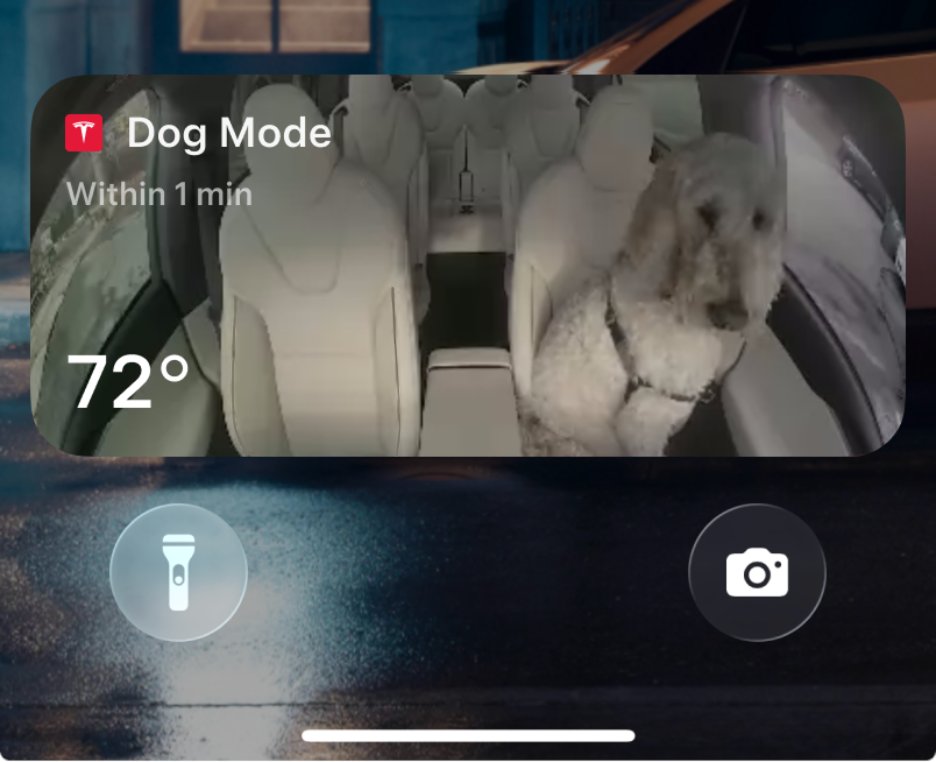
Dog Mode Live Activity
When using Dog Mode to keep your four-legged friend comfortable in the car, you’ll now be able to check in on them as it will share periodic snapshots of the cabin, along with live updates on temperature, battery, and climate conditions.
Dashcam Viewer Update
Dashcam clips are awesome, but they’re void of a lot of information, which could be useful in some instances, especially if there is an accident.
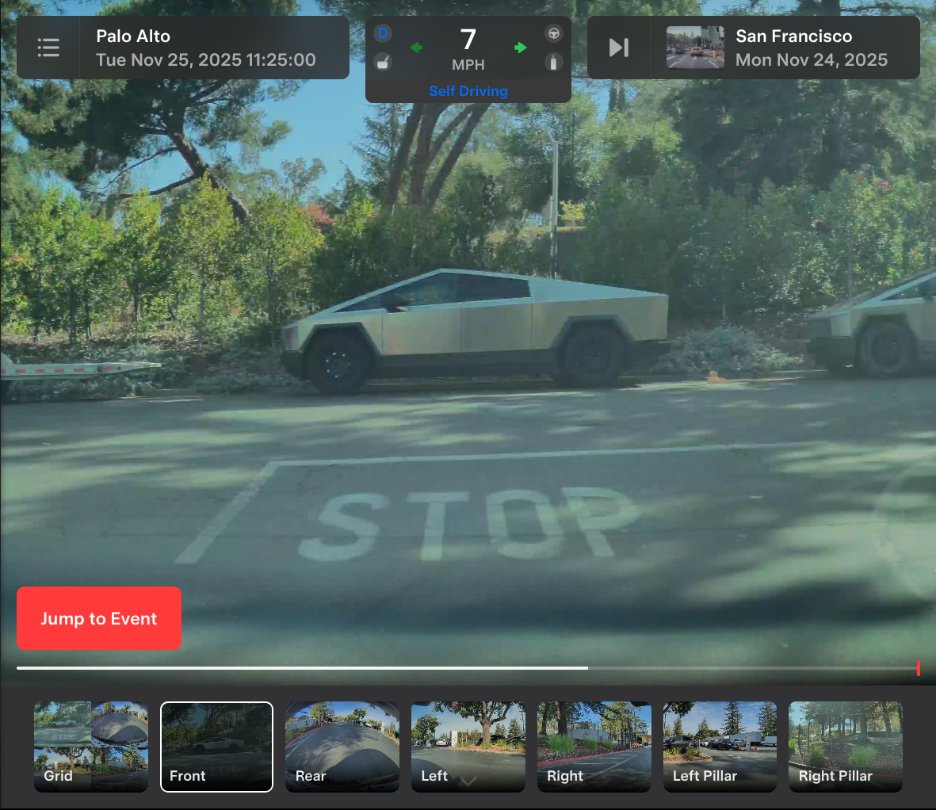
Now, there will be additional details included on each Dashcam clip, like speed, steering wheel angle, and Self-Driving state.
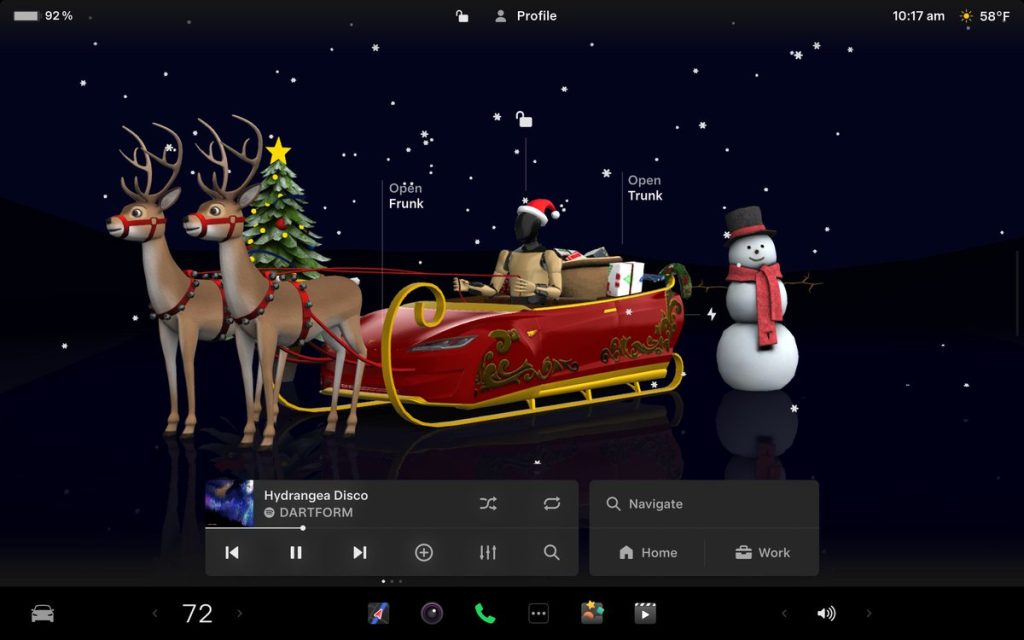
Santa Mode
New graphics, trees, and a lock chime are now available.
Light Show Update
A new Light Show, called Jingle Rush, will be available.
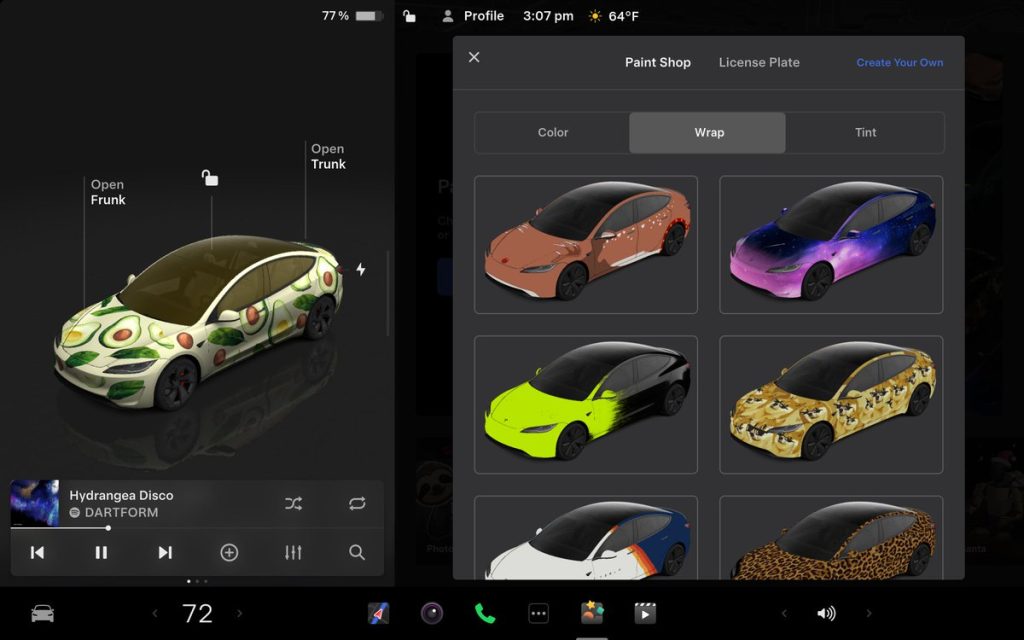
Custom Wraps and License Plates in Colorizer
Colorizer will now be known as “Paint Shop” in the Toybox. You will now be able to personalize your Tesla Avatar with window tints, custom wraps, and license plates. Preloaded designs will be available, but owners will be able to use their USB Flash Drives to create one that suits their style.
Navigation Improvements
Changing the order of your destinations will be easier through a new “Favorites” tab, and Home and Work can now be set by dropping a pin.
There will also be “Suggested Destinations,” which will be determined through recent trips and habits while parked.
Supercharger Site Map
Perhaps the most significant feature of the Holiday Update, Tesla is adding a 3D view of select Tesla Superchargers by tapping “View Site Map.”
When navigating to a location with this capability, the site layout, live occupancy, and nearby amenities will be available. Drivers will also be able to choose which stall to Supercharge.
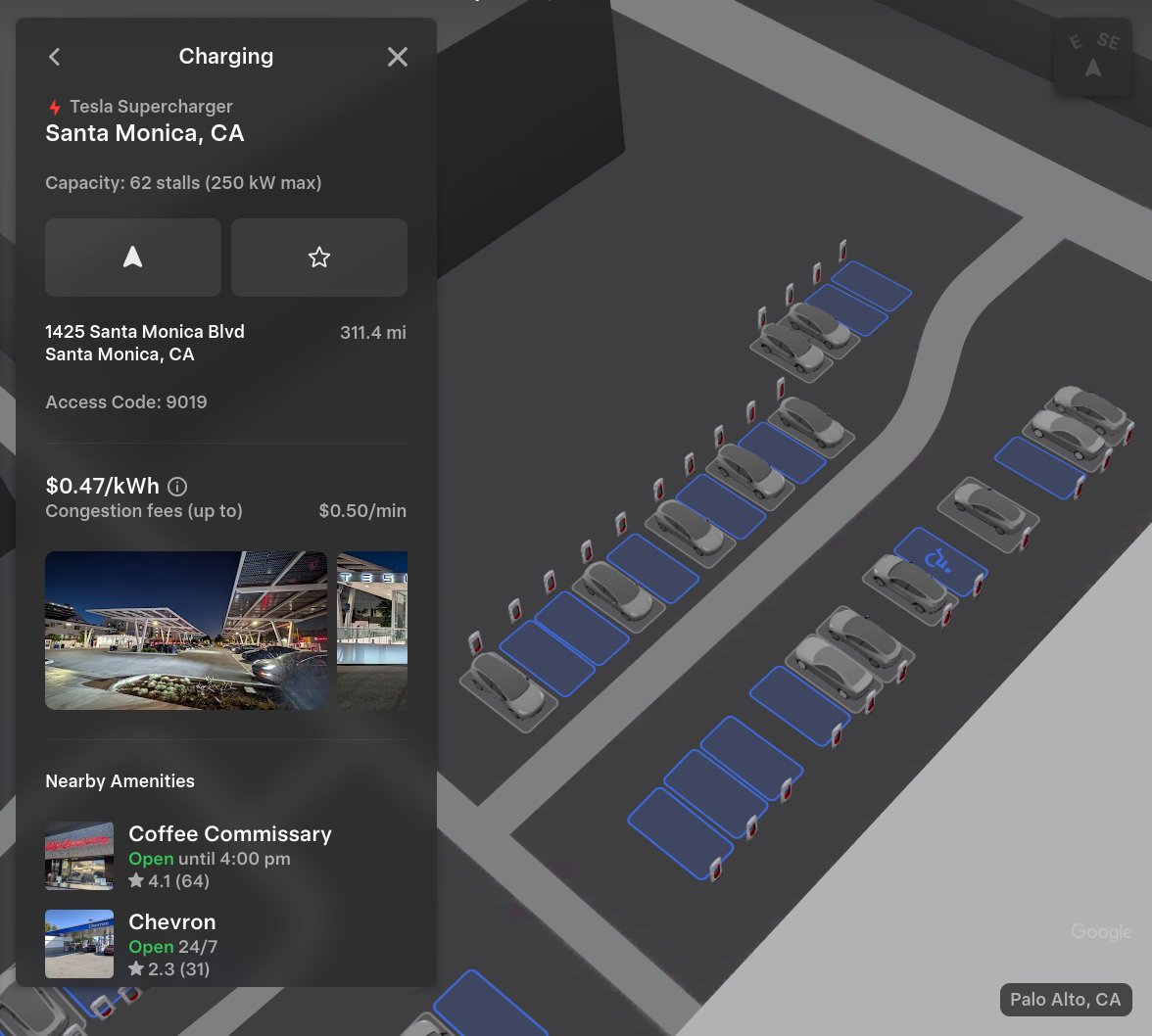
This is only available at a handful of locations currently, but it will expand to more Superchargers as it becomes more robust.
Automatic Carpool Lane Routing
Navigation will include an option to utilize carpool lanes. Your route will automatically choose the carpool lane when eligible.
Phone Left Behind Chime
If the in-car occupant detection system does not see anyone in the car and there is a phone key, or if a phone is left inside the cabin, your Tesla will chime a few seconds after the doors close.
Charge Limit Per Location
You can now save a charge limit for the current location while parked and it will be applied automatically the next time you charge there.
ISS Docking Simulator
In a SpaceX collaboration, Tesla has added this game to its in-car Arcade:
“Become an astronaut and prove your skills by docking with the International Space Station. Control & guide the rocket in this 3D docking simulator game using a set of controls based on actual interfaces used by NASA astronauts.”
Additional Improvements
Enable or disable wireless phone charging pads in Controls > Charging (S3XY) or Controls > Outlets & Mods (Cybertruck)
Add Spotify tracks to your queue right from the search screen & scroll through large Spotify playlists, albums, podcasts, audiobooks & your library seamlessly, without paging
Take the vibes up another level with rainbow colors during Rave Cave. Accent lights color will change along with the beats of your music. App Launcher > Toybox > Light Sync
Lock Sound now includes Light Cycle from Tron Mode. Toybox > Boombox > Lock Sound
What’s Missing
There are a handful of features we expected to see with the Holiday Update, but were not included.
Banish Feature
Tesla has been teasing the Banish functionality for quite a few years, but evidently, it is not quite there yet.
Banish will allow owners to get out of their vehicle at the entrance of their destination, and the car will go find a spot and park itself. Some refer to it as “Reverse Summon.”
Apple CarPlay
With all of the rumors regarding Apple CarPlay and then the evidence that Tesla was working to bring CarPlay to vehicles, we really expected it to come with the Holiday Update.
We’re not upset it’s not here, though. Tesla’s in-car UI is significantly better, at least in our opinion.
Parking Spot Selection
One of the biggest gripes about the new Arrival Features with Full Self-Driving v14 is that choosing a set parking spot is not available. This is especially frustrating for Tesla owners who rent or live in townhouse neighborhoods or apartment complexes with assigned parking.
Tesla seems to be working on this based on the release notes for v14.2, where it said future capabilities would include Parking Spot Selection.
www.teslarati.com
#Heres #includes #missing


